This post is over 16 years old and may contain information that is incorrect, outdated, or no longer relevant.
My views and opinions can change, and those that are expressed in this post may not necessarily reflect the ones I hold today.
WWE Summerslam 2010 was today. Highlights included ambiguously discovering the Undertaker’s true attacker; watching Randy Orton wtfpwn Sheamus after Sheamus disqualified himself, retaining the championship belt by technicality; and the final 7-on-7 Team WWE vs. Nexus match, particularly seeing Daniel Bryan come back for Team WWE and eliminating two people via submission. What I’m WatchingTwo days ago, I watched When In Rome, a movie starring Kristen Bell.The main character, a young museum curator named Beth, happens to be extremely unlucky with love. Everyone around her, including her little sister, seems to be successful, but Beth’s relationships have only brought her sadness.While in Rome for her little sister’s wedding, Beth steps into the magical Fountain of Love and, in a drunken state, picks out five random coins from the fountain and keeps them as her own. Unexpectedly, after returning to America, she is approached by five different men who claim to be in love with her. Puzzled as to what is going on, she makes contact with her younger sister, who explains that if someone takes a coin out of the Fountain of Love, they have captured the heart of the person who put the coin in the fountain. Not wanting five men to love her just because of a magical spell, Beth struggles to find out how to discard the coins in a way that will break the forced bond between her and the five men.I thought When In Rome was an overall entertaining movie; although the comedy of the movie was more visual than verbal, it still made the plot funny. There was a good balance between the integration of the main character’s work, family, and personal relationships, and the main conflict of the movie. In Other News…From now until the end of 2010, you will be seeing a full-length banner advertisement for a company called That Hosting at the bottom of every blog post. I am friends with the CEO of That Hosting, so I decided to sign an advertising contract with him. The terms of the contract will remain undisclosed to the public.Regardless of my personal relationship with the That Hosting management, I fully support and endorse That Hosting as a company. It provides top-grade premium web hosting with abundant features and great service. Parkzer.com is currently hosted with That Hosting, and I have not experienced any problems whatsoever. If you use the promotional code Parkzer2010 when signing up, you can get your first month free. There’s nothing to lose, so give it a try.
 But they say a picture is worth a thousand words, and this picture isn’t any different. I’ll share 199 of the 1000 words associated with that picture:As I got ready to mow the lawn today, it was sunny and warm. If you know me, you know that I hate the sun and I hate hot weather, but I had to mow the lawn anyway because it was getting long, and if I waited any longer, it would start clumping up and it would be even harder to mow later.About halfway through the backyard, large storm clouds started rolling in. The sun was completely blocked, so I felt a little better knowing that I was no longer being cooked alive and no longer absorbing skin cancer.But, the storm clouds got bigger and bigger, and it got darker and darker. Small raindrops started to fall, and my hair and shoulders began to get moist. Trying to finish quicker, I pushed the lawn mower, urging it to run faster.About five minutes before I finished, the raindrops got larger and the rain became heavier. I pushed the lawn mower ahead harder and harder, trying to finish as quickly as possible.About five minutes after I finished, it stopped raining.The worst part is that this is the second time this has happened to me this summer. Quote(s) of the DayYou know those bots that instant message you advertising dating websites? They’re getting smarter.(12:40:06 PM) malaespreexq305: heey!
 As you can see from the picture, I’m busy at work stacking my pieces and sending lines to my opponent. This screenshot was taken by my opponent, who had a glitch on his side – he couldn’t see any of his pieces. That meant, even if I sent lines to him, he would never get them, because lines only flood after the next piece is dropped. Because of the glitch, we effectively were put in a never-ending Tetris match.Fortunately, my opponent was a good sport and said that because it was his side that had the glitch, he would close his browser window to forfeit the match and give me the victory. I decided that I would post his screenshot on my blog and tell the story to show how appreciative I was for his generosity. What I’m ReadingAfter reading Blink by Malcolm Gladwell and being satisfied with it, I decided to read Gladwell’s other books. Earlier today, I finished reading The Tipping Point, a book about the the top of the mountain – the point that something reaches and becomes an epidemic.
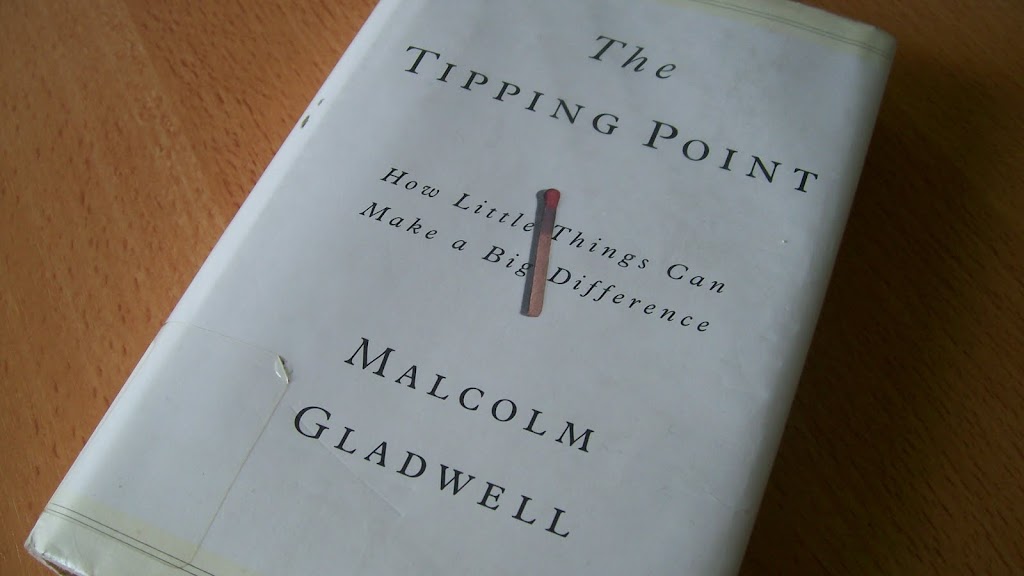 The book goes on to describe three key things, among others, that turn something into an epidemic: the Law of the Few, the Stickiness Factor, and the Power of Context.The Law of the Few states that there are a handful of very special people that can set off an epidemic because of their social status, may it be because they are extremely popular or extremely convincing.The Stickiness Factor states that in order for something to become an epidemic, it must stick to the general population. Without it being sticky, or memorable, it will never last an extended period of time in a successful state. Finally, the Power of Context states that in order for something to have a maximum effect, it must take place at the right time. The environment has a more significant effect than many believe it does, and could be the difference between an epidemic and a failure.Similar to Blink, The Tipping Point brings insight to some interesting and intriguing topics that could be put to positive use in real life. However, the writing itself from an entertainment viewpoint isn’t as good as Blink was; although some good anecdotes were included in The Tipping Point, I feel it wasn’t as attention-holding as Blink. What I’m WatchingBy recommendation of a few different people, I watched I Now Pronounce You Chuck and Larry earlier today. The movie stars Adam Sandler, Kevin James, and Jessica Biel.The two main characters, Chuck and Larry, are best friends and are firefighters in New York who have been partners at work for a long time. The main conflict of the movie is introduced when Larry tries to change his beneficiaries after his wife’s death, but is denied because over a year has passed since his wife’s death. After saving his partner Chuck’s life, Larry knows that Chuck owes him. Larry devises a plan to form a same-gender union with Chuck so Chuck can become his beneficiary. However, something that seemed simple turned out complicated when the state government began sending out investigators after suspecting that neither Chuck nor Larry were homosexual and were only united for benefits.After watching Brüno two days ago and getting enough homosexual jokes to last me a long time, I was discouraged before I started watching I Now Pronounce You Chuck and Larry. However, as I got several minutes into the movie, I knew that it wasn’t as crude as Brüno was. I Now Pronounce You Chuck and Larry quickly became comedic and interesting, and I enjoyed the entire movie. I would recommend it to anyone who likes a good movie – the great natural personalities of Adam Sandler and Kevin James make the whole movie hilarious.
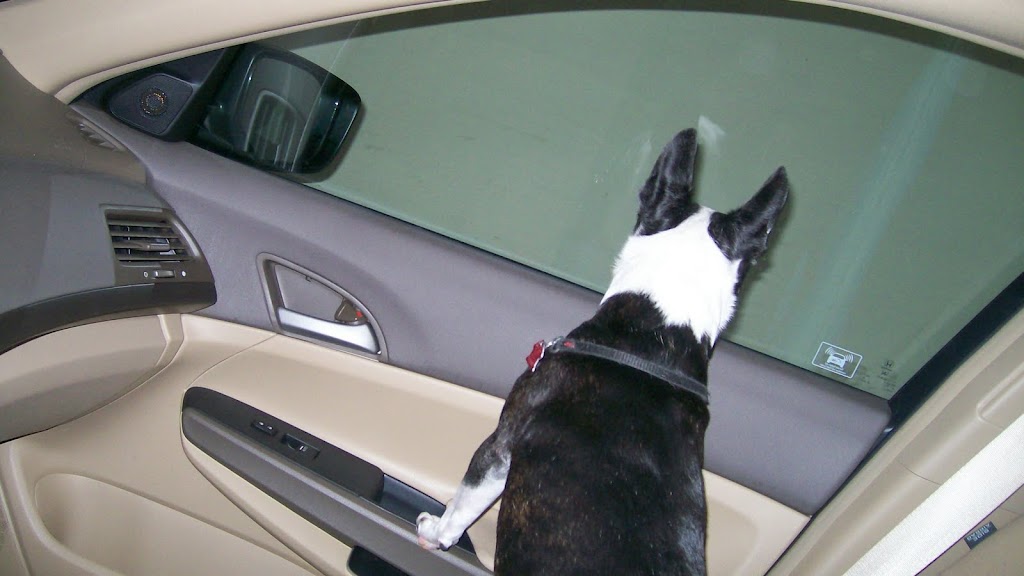 When we got to the vet’s office, we had to put a muzzle on him so he wouldn’t bite anyone. Unfortunately, he doesn’t have a long pointed nose like most other dogs, so we had to put a cat muzzle on him. Which ended up not working very well.
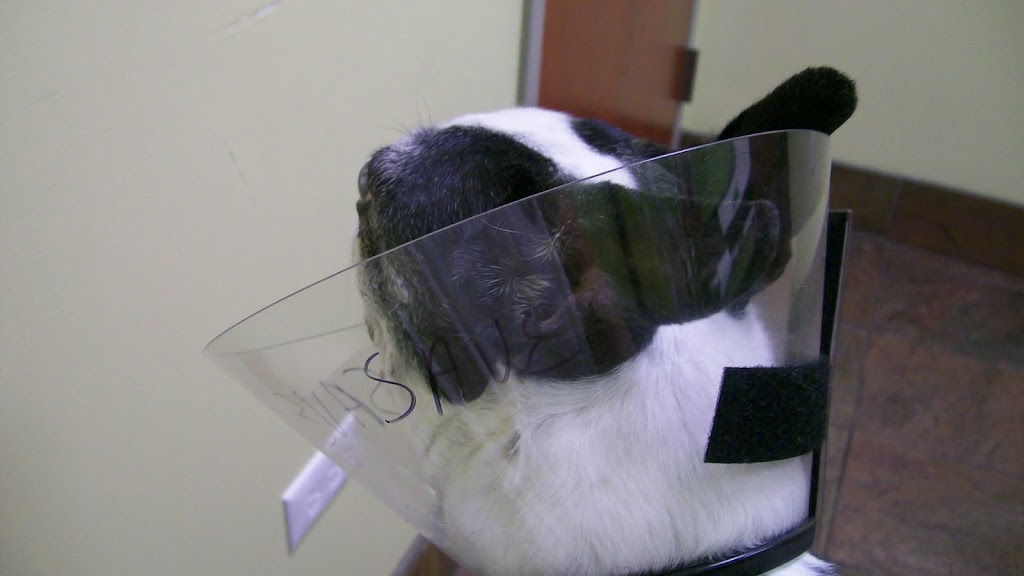 This is where the vet checked him. As you can see, he was shedding a lot of fur, so the entire counter was covered in a thin layer of dog hair. Also, the vet decided that the muzzle was serving no purpose, so she took that off.
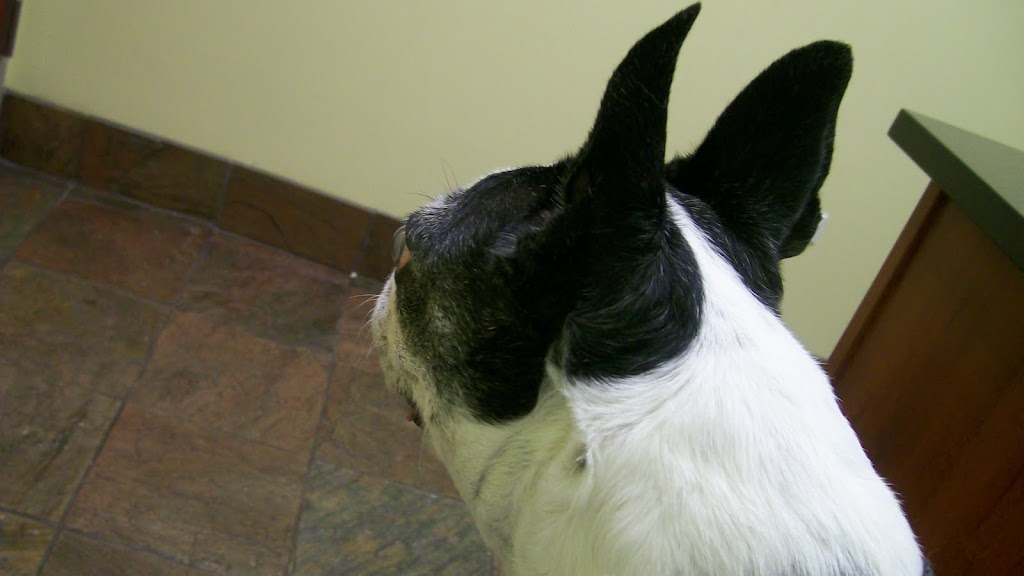
 While the vet was off doing tests on some gunk she found in his ear to check for infections, he sat on my lap and started staring at the doorknob.
 After his check-up was over, he returned home and jumped up my recliner to take a long, relaxing nap.
 Quote of the DayI came across this when I was reading The Tipping Point by Malcolm Gladwell, and decided to share it:“Consider … the following puzzle. I give you a large piece of paper, and I ask you to fold it over once, and then take that folded paper and fold it over again, and then again, … until you have refolded the original paper 50 times. How tall do you think the final stack is going to be? … the real answer is that the height of the stack would approximately be the distance to the sun. And if you folded it over one more time, the stack would be as high as the distance to the sun and back.“Thank you for letting us know that if you double the distance it takes from Point A to Point B, you can also make it from Point B back to Point A. Because that wasn’t obvious at all. What I’m WatchingEarlier today, I watched Brüno, a movie produced in a documentary style featuring